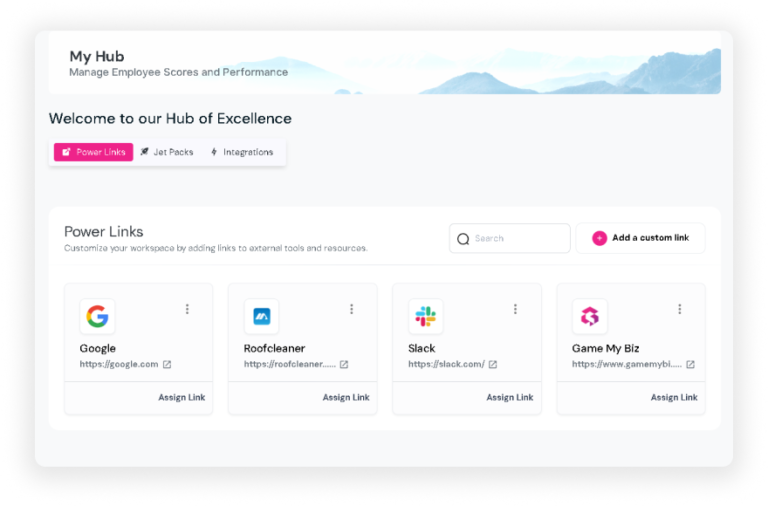
Hub is the central location for quick access to essential tools and resources. It provides quick links to key features and allows users to add custom links to external tools and resources, making it a powerful productivity enhancer. The Hub includes Jetpacks and Integrations, specialized tools designed to streamline workflow and improve efficiency. With everything you need easily accessible, the Hub helps you stay focused on your goals and enhances overall productivity.
Powerlink
Who can use this feature?
Admins and Players
Powerlink provides quick links to various features and allows users to add custom links to external tools and resources, streamlining workflow and enhancing collaboration. This ensures that all team members have easy access to the information and tools they need to perform their roles effectively.
Add Powerlinks
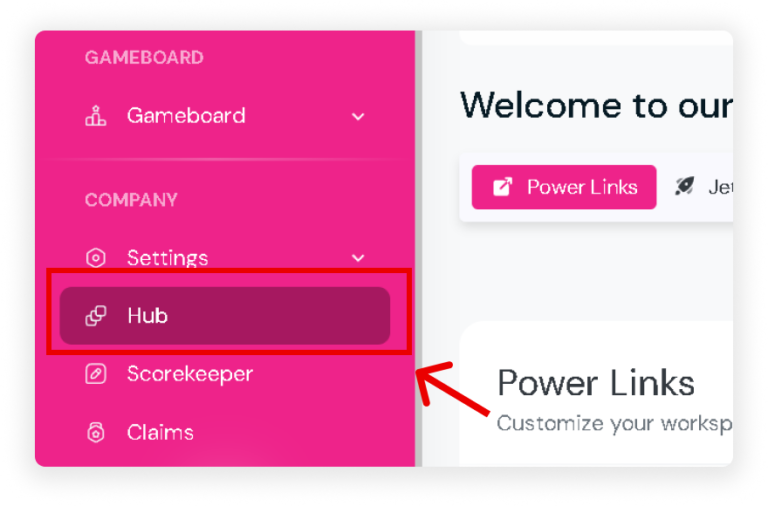
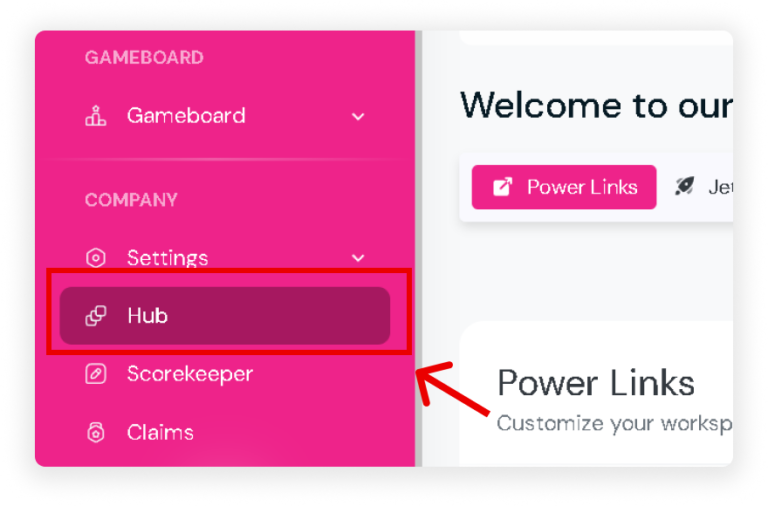
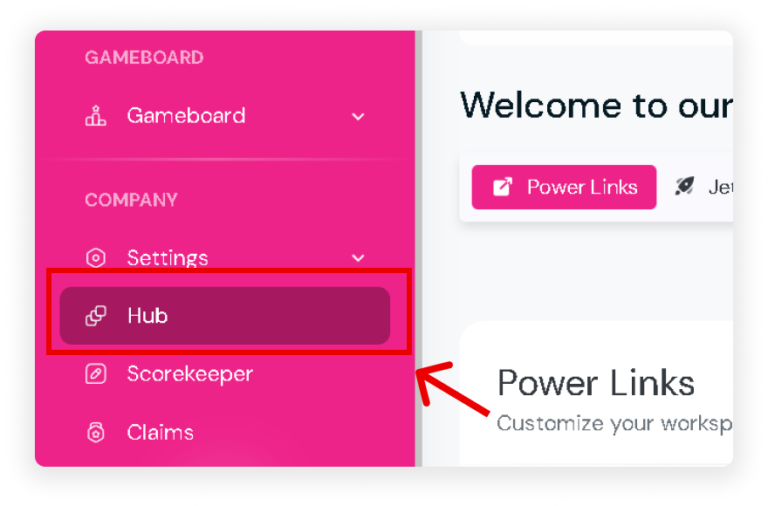
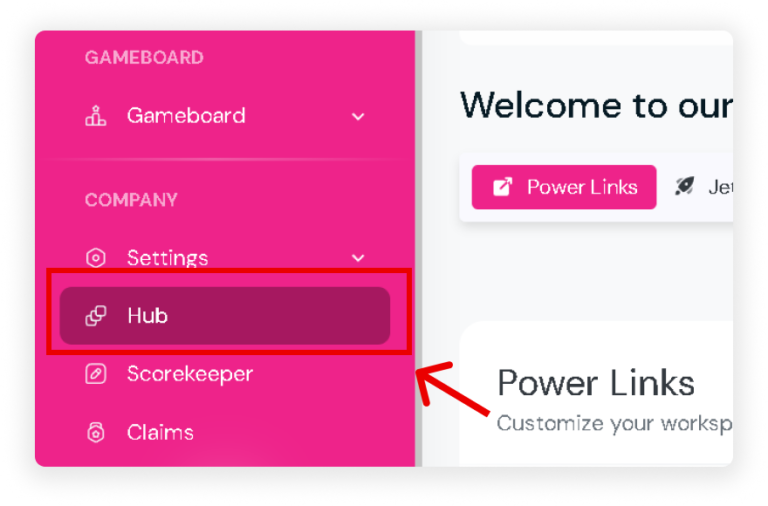
Click ‘Hub’ on your sidebar.
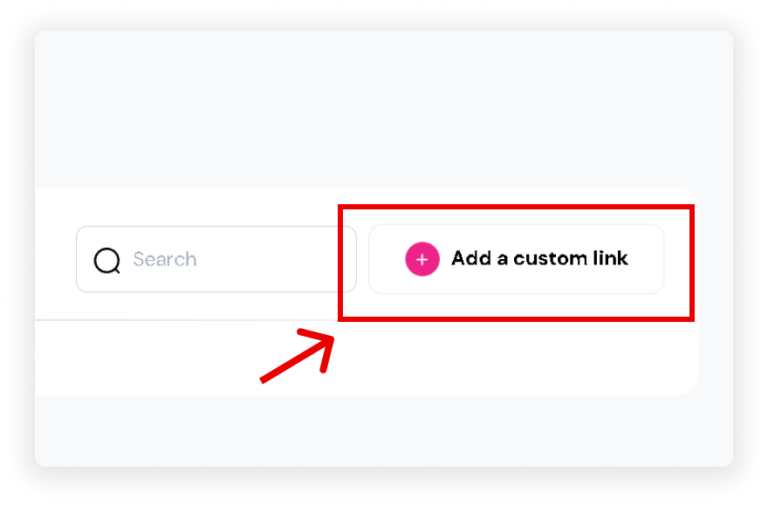
Click the ‘Add a Custom Link’ button in the upper right corner of your screen.
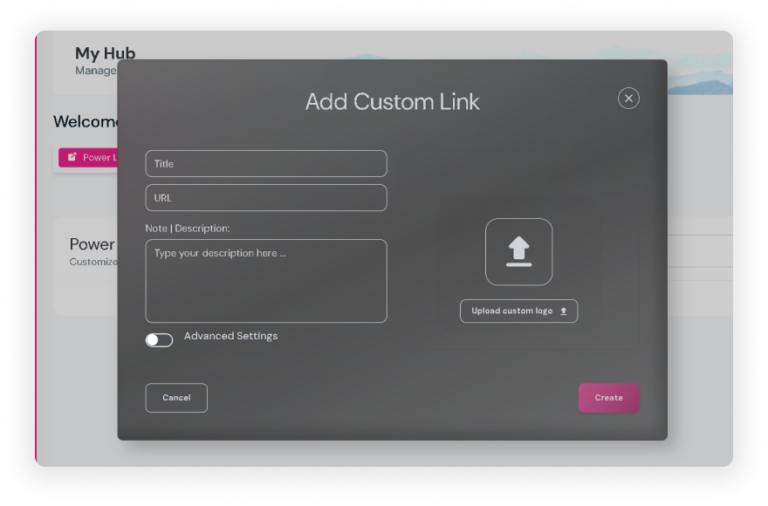
A popup will appear where you can:
Add a title for your custom link.
Enter the URL for the link.
Include a note or description.
Upload a logo for the custom link (it may automatically upload the logo if available).
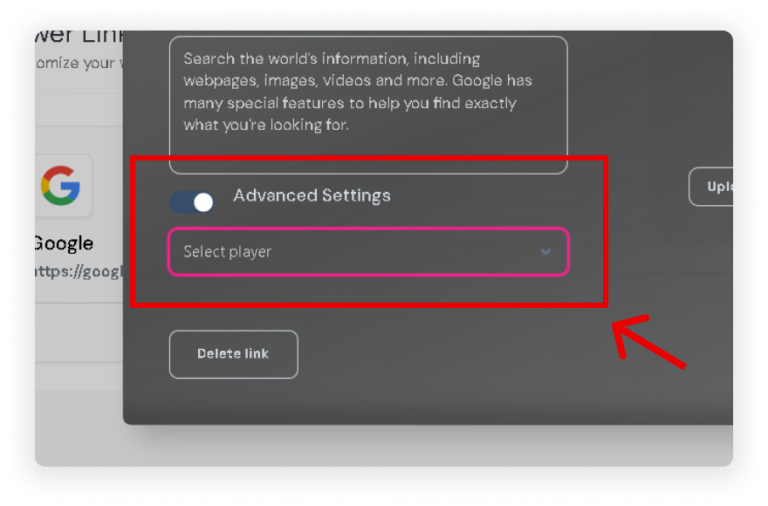
(Optional) Use Advanced Settings to assign the link to specific players.
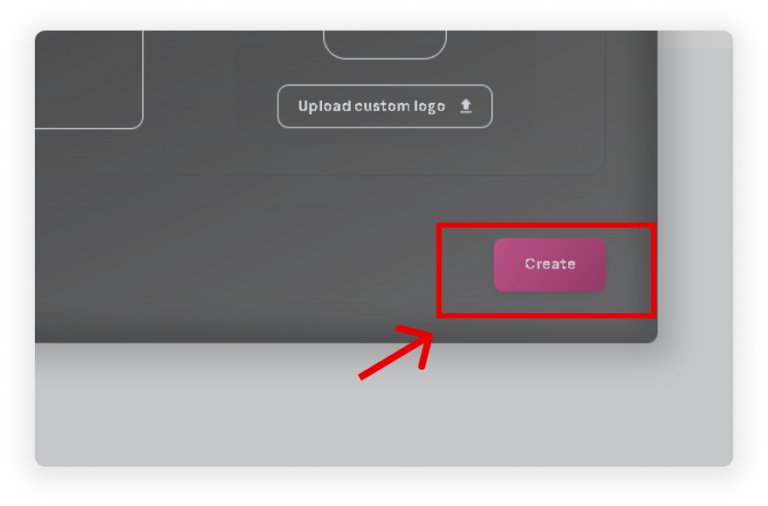
Once all details are filled out, click the ‘Create’ button.
Your custom link will now appear under Power Links in the Hub.
Delete Powerlinks
Click ‘Hub‘ on your sidebar.
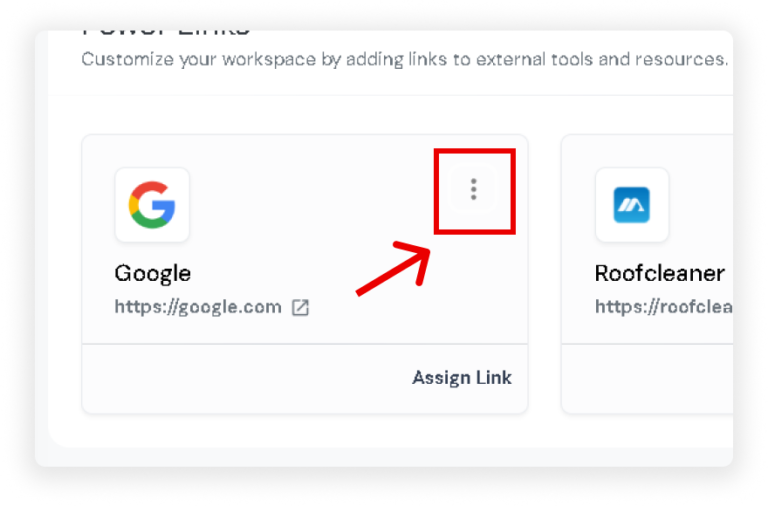
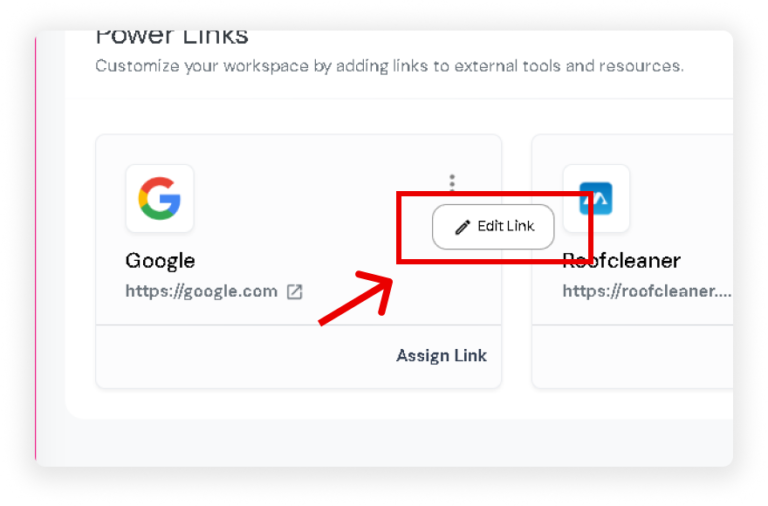
Locate the custom link you want to remove and click the ‘⋮’icon on the card.
Select the ‘Edit Link’ button that appears.
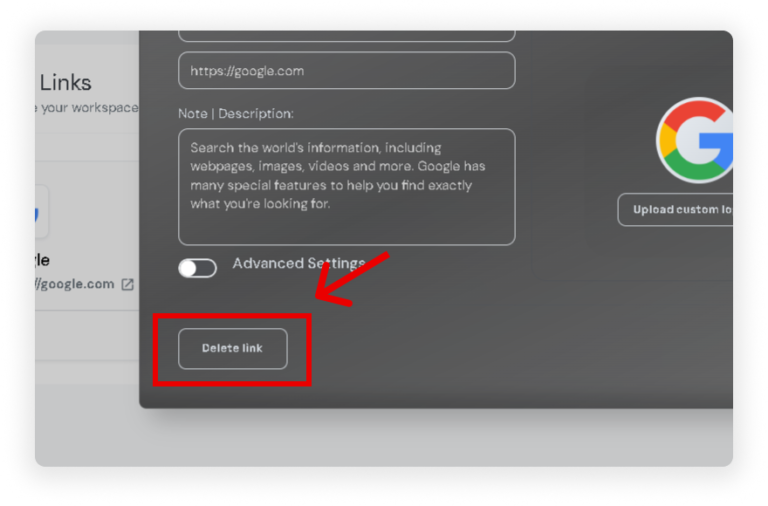
In the popup, click the ‘Delete Link’ button.
Jetpack
Who can use this feature?
Admins and Players
Jetpack is a tool designed to supercharge your workflow, boost productivity, and streamline tasks. It provides users with quick access to essential functions, enhancing efficiency and performance. Use Jetpack to assist with your tasks and ensure a smoother, more effective work process.
Using Jetpack
On your sidebar, click ‘Hub’.
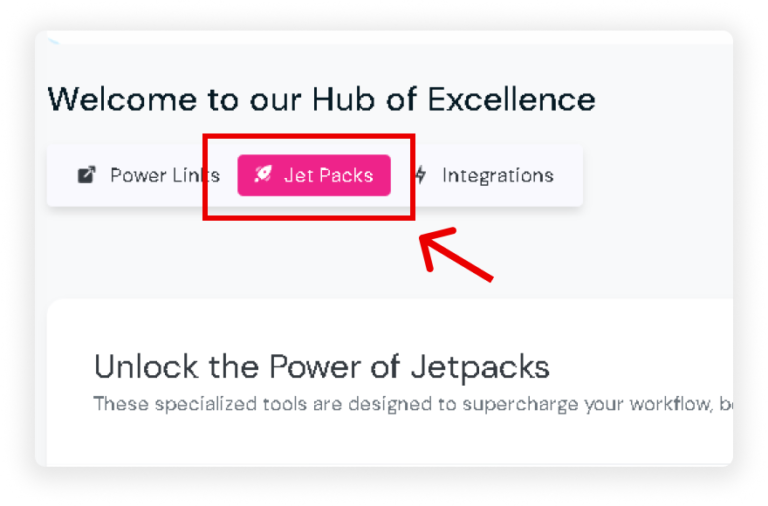
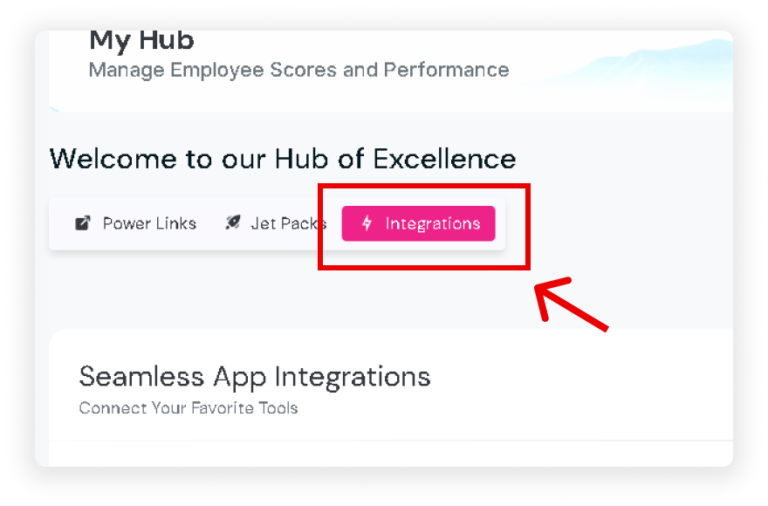
Once inside the Hub, select ‘Jetpack’ on the upper right of the page.
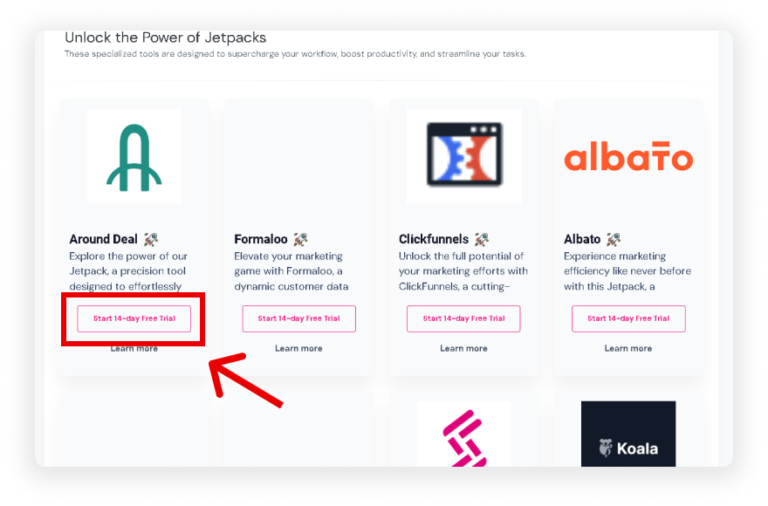
Choose Jetpack you want to use. Then, click the ‘Start 14-Day Free Trial’ button and complete the sign-up process.
Integrations
Who can use this feature?
Admins
Integrations enable seamless connections with external tools, software, or platforms. These integrations facilitate data exchange, task automation, and enhanced functionality, optimizing workflows and efficiency. It expands the toolkit available to users, empowering them to manage diverse business operations effectively.
Using Integrations
On your sidebar, click ‘Hub’.
Once inside the Hub, select ‘Integrations’ on the upper right of the page.
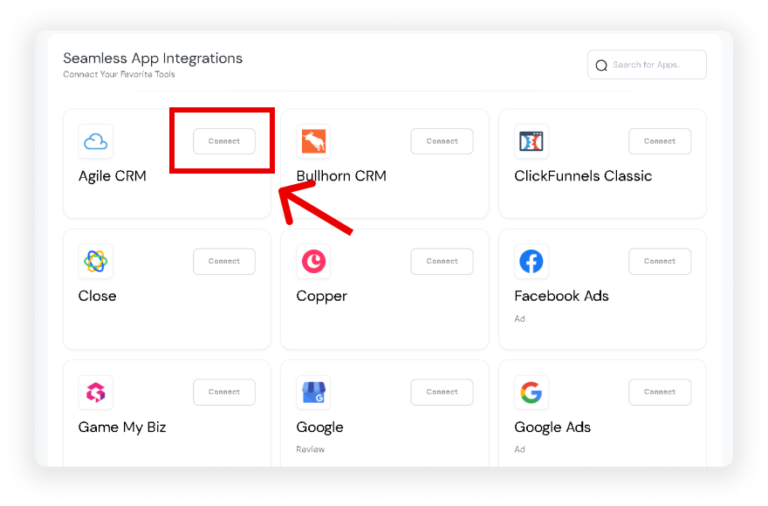
To use Integrations, click the ‘Connect’ button and fill in the required details.