Skip to content
Game My Biz Help Center
Things you need to know about Game My Biz
Log out
Log out
There are two ways to log out:
Method 1:
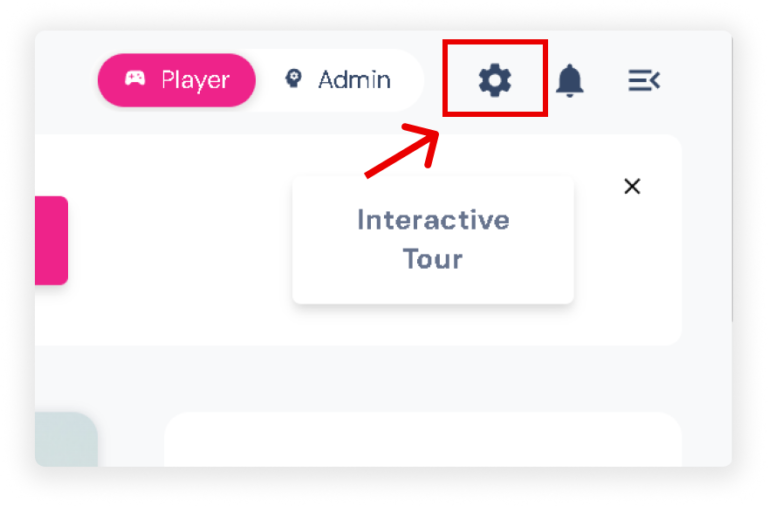
Click the
Settings
icon in the upper right corner of your screen to show the slider.
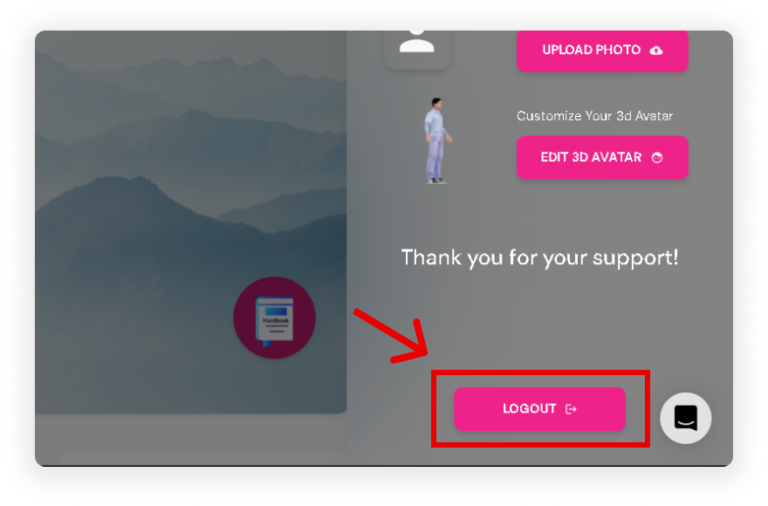
At the bottom of the slider, click the
‘Log out’
button.
Method 2:
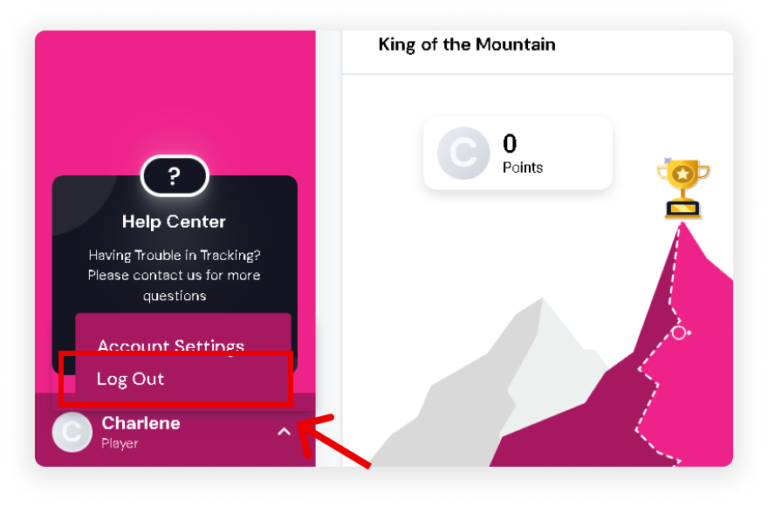
At the bottom of your sidebar, click the
Drop-Up Arrow.
Then, click
‘Log Out’.