Add New Player

Who can use this feature?

There are two ways to Add New Player:

1st Method:

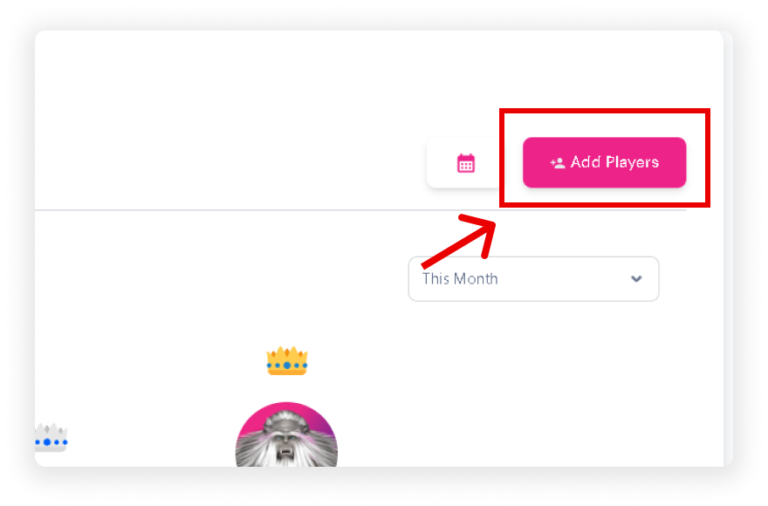
  • Navigate to the Dashboard and scroll down to the Leaderboards section.
  • Click on the ‘Add Players’ button.

2nd Method:

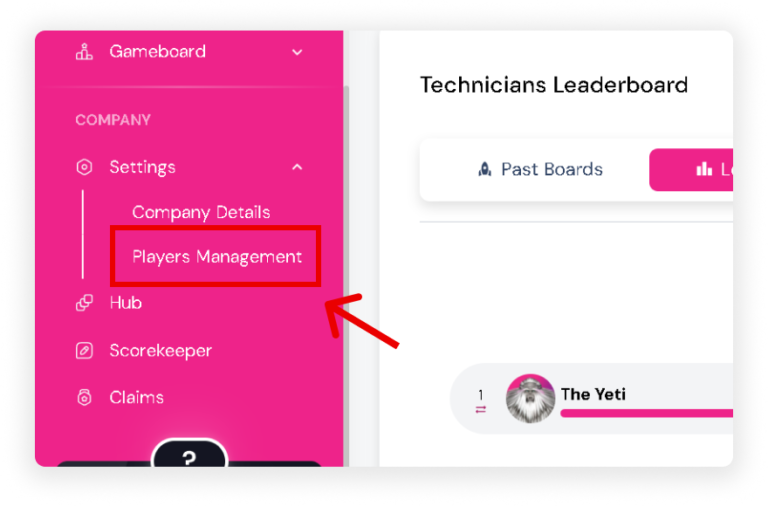
  • On the Sidebar, go to ‘Players Management‘ under the Settings section.
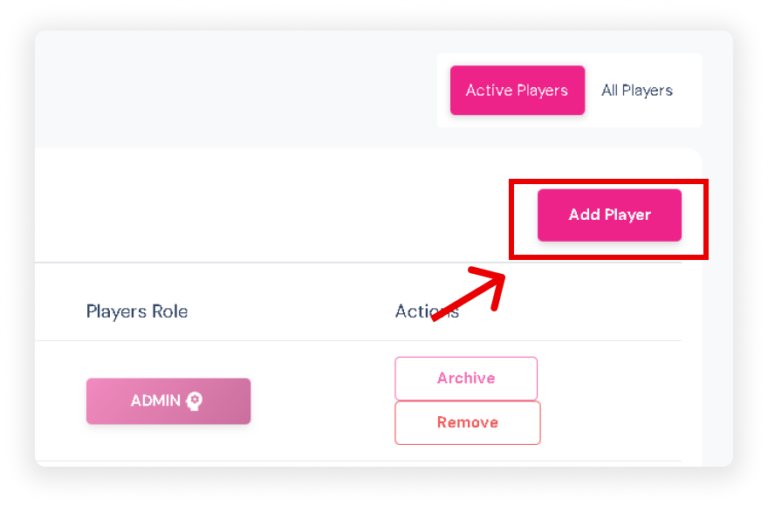
  • Once on the Players Page, click the ‘Add Player’ button located on the right side of your screen.